


At a Glance
Pros
- Excellent flagship performance
- Long-term software support
- Slim, lightweight design
- S Pen stylus included
Cons
- Display is LCD, not OLED
- No charger included
- No 5G option in the US
Our Verdict
The Galaxy Tab S8 is probably the best option for most people out of Samsung’s flagship tablet line. The 11in display is the ideal size – big enough to work on, small enough to use in one hand – and specs are strong despite the affordable price. We wish the screen was OLED, and Android still isn’t perfect for tablets, but there’s not much else to complain about.
When Samsung unveiled the Galaxy Tab S8 range, the focus was on the all-new Ultra model, with its outlandishly large display, widescreen form factor, and unusual notch.
Less fuss was made of the base Tab S8 – which is a shame, because with its more sensible shape and affordable price this is a much better tablet for the majority of people, and still packs the key specs you might have your eye on in the Ultra.
Design and build
- Slim and comfortable size
- Metal body
- Trio of colours
Samsung hasn’t pushed the boat out with the design of the standard Tab S8, which looks a lot like last year’s Tab S7 – and indeed like most other modern premium tablets.
The 11in display is the smallest in the Tab S8 range, though this is still a full-size tablet, not a mini model. It’s light and slim though – just 6.3mm thick, which is a little more than the Ultra but remains impressively slender.

Dominik Tomaszewski / Foundry
The squared off edges to the metal body are comfortable to hold, and there’s enough of a bezel around the display to give you space to rest your thumb and fingers – an important tablet consideration that’s the reason you don’t want an edge-to-edge screen here.
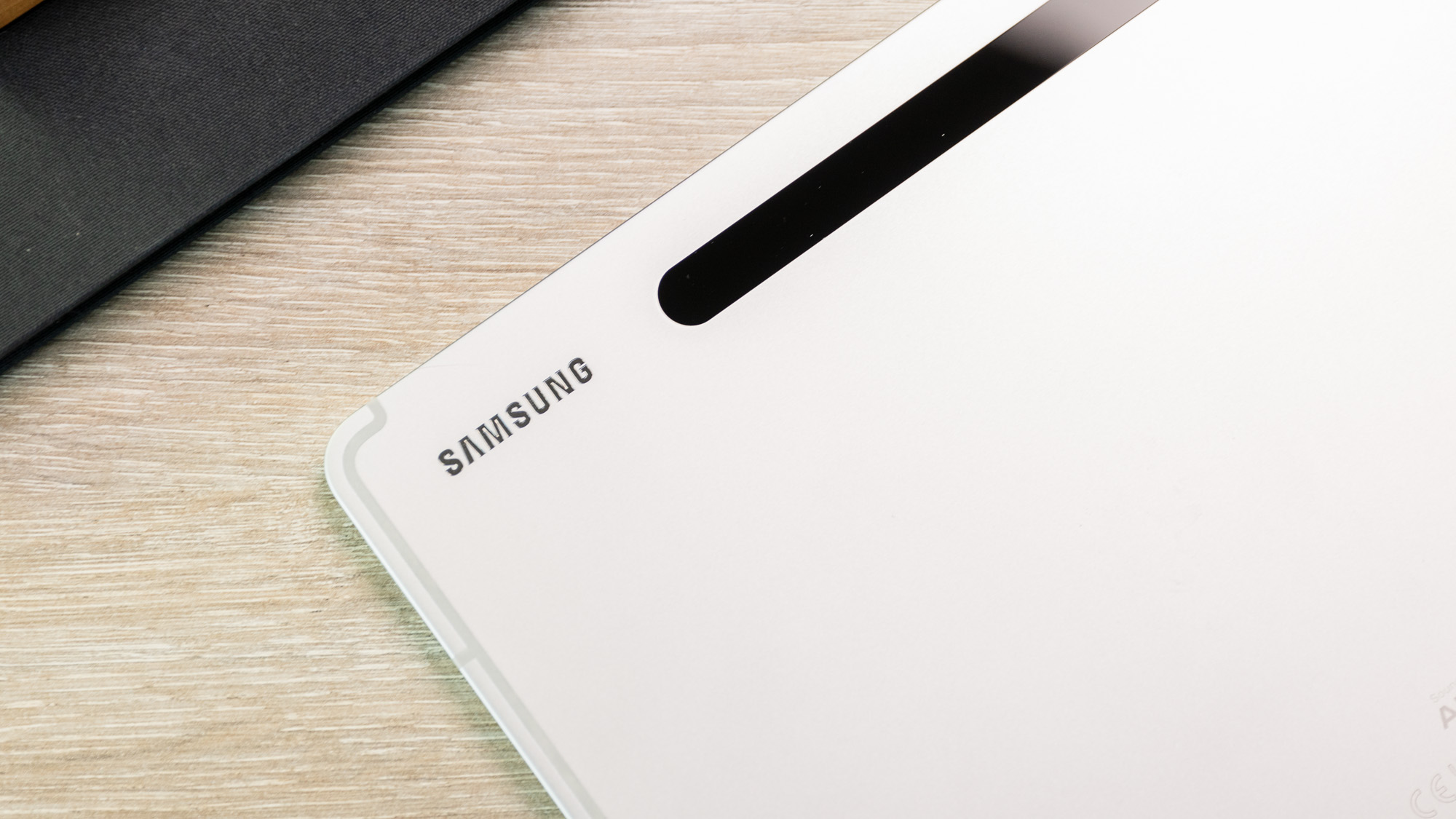
The S8 is also available in a choice of three colours: the simple Silver I’ve reviewed, a darker Graphite, and a Pink Gold that’s much more the former than the latter. On every model the back is interrupted only by the small camera module and a black strip that runs below it where the S Pen stylus is intended to attach.
There’s no IP rating for dust or water-resistance, though this is fairly common for tablets still. The display is coated in protective Gorilla Glass 5 – not the top standard, but good enough – and the metal rear feels durable enough.

Dominik Tomaszewski / Foundry
One oddity about the Tab S8 – at least compared to the rest of the range – is that it has a physical, side-mounted fingerprint sensor, which is built into the power button. I’ve found it reliable enough that I haven’t missed the under-display option too badly, though if you know your tech you may realise that this gives away the Tab S8’s other big spec compromise: the screen.
Display and audio
- 11in LCD display
- 120Hz refresh rate
- S Pen stylus support
Yes, the Tab S8 is the only model in the line to use an LCD display rather than AMOLED. It’s a small shame, and does mean display quality here won’t match its bigger brothers, but I don’t think you should see it as a dealbreaker.

Dominik Tomaszewski / Foundry
For one thing, the panel still boasts the same 120Hz refresh rate as its peers, so you’ll get the same benefits of silky smooth scrolling and animations.
Secondly, this may be an LCD, but it is a good LCD. No, it can’t quite hit the oh-so-inky blacks of OLED, but this is still an excellent panel. Colours are bright, punchy, and vivid, and the 2560 x 1600 resolution packs in plenty of detail.
Perhaps this won’t quite meet the standards of those looking for a tablet to use for professional creative work, but anyone else will find this perfectly sufficient for Instagram, Netflix, and gaming.
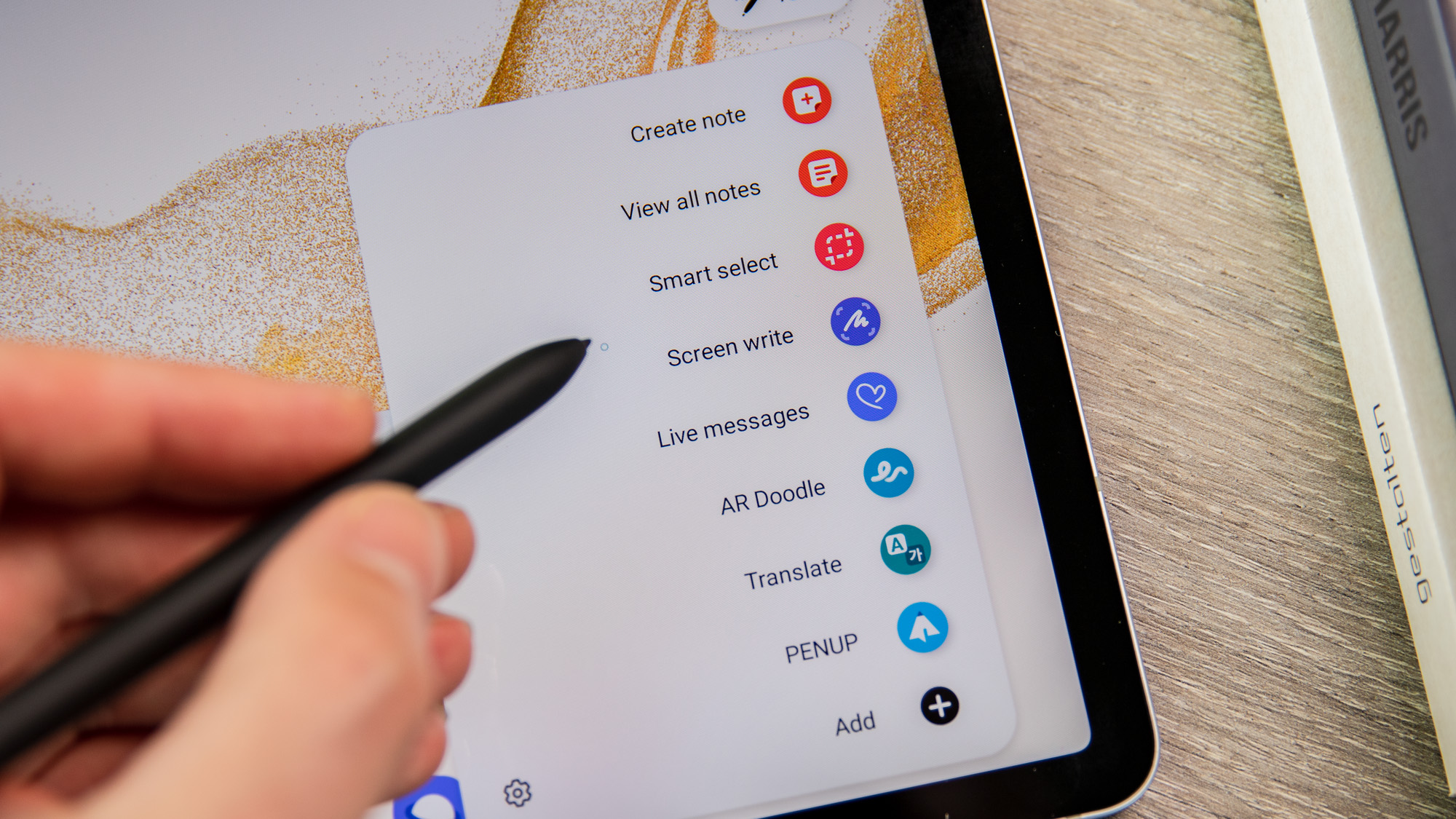
The Tab S8 also supports Samsung’s S Pen stylus, which is the only accessory included with the tablet in the box. This is great for doodling or note-taking (though the handwriting recognition does struggle with my messy scrawls), and thanks to Samsung’s Air Action shortcuts is also a handy tool for day-to-day use in apps ranging from the web browser to the camera. It attaches magnetically to the tablet’s rear when not in use, and wirelessly charges while there.
Dominik Tomaszewski / Foundry
In addition to the stylus, the Tab S8 does support a keyboard case, though this isn’t included with the tablet. Samsung’s official case is pricey too – it’ll set you back $199/£119/€149, and more for a version with a trackpad – so factor that in if you expect to use the tablet primarily for productivity.
As for audio, you get quad speakers delivering stereo sound, firing out of the top and bottom of the tablet. These are fairly crisp and bright, but predictably thin on the bass end. They’ll do for the odd bit of music, and are certainly sufficient for streaming TV and gaming, but understandably have their limits.
Specs and performance
- Flagship Snapdragon 8 Gen 1 chip
- Up to 256GB expandable storage
- Optional 5G support outside the US
Performance is one area where the Tab S8 comfortably keeps up with the rest of the range. Like the other Tab S8 models, it’s equipped with the Qualcomm Snapdragon 8 Gen 1 chip, the company’s flagship from earlier this year.
It’s not quite the most powerful chip around anymore, having been supplanted by the 8+ Gen 1 (not to mention still lagging behind Apple’s iPad chips), but it packs plenty of power.
Paired with 8GB of RAM (though in some markets there’s a 12GB option), the Tab S8 is powerful enough for any day-to-day action, including plenty of multi-tasking. But there’s also enough oomph for gaming or creative work, so this can be a productivity powerhouse or a gaming machine so long as the display isn’t a problem for your use case.
You also get a choice of either 128GB or 256GB of storage, and if the latter still sounds dinky to you then the good news is that there’s a microSD card slot so that you can expand it further, up to 1TB.
By default the tablet is Wi-Fi-only, supporting the latest Wi-Fi 6E standard. In the US that’s the only option, though in the UK, Europe, and other markets there’s the option to upgrade to 5G – albeit with a fairly steep surcharge, so make sure you’ll get use out of the 5G before you commit to the upgrade.
Battery and charging
- Comfortable battery life
- 45W wired charging
- No charger included
The Tab S8 has respectable battery life, helped by a generous 8000mAh cell. In our benchmark test, this delivered pretty typical tablet life – nothing special, but nothing to complain about either.
As a work device this should last through a day of consistent use, while if you’re more likely to just pick it up every now and then you should find the S8 happily runs for a few days. Importantly, I noticed pretty minimal battery decline while on standby, so you don’t have to worry too much about it dying if you haven’t picked it up for a day or two.
Dominik Tomaszewski / Foundry
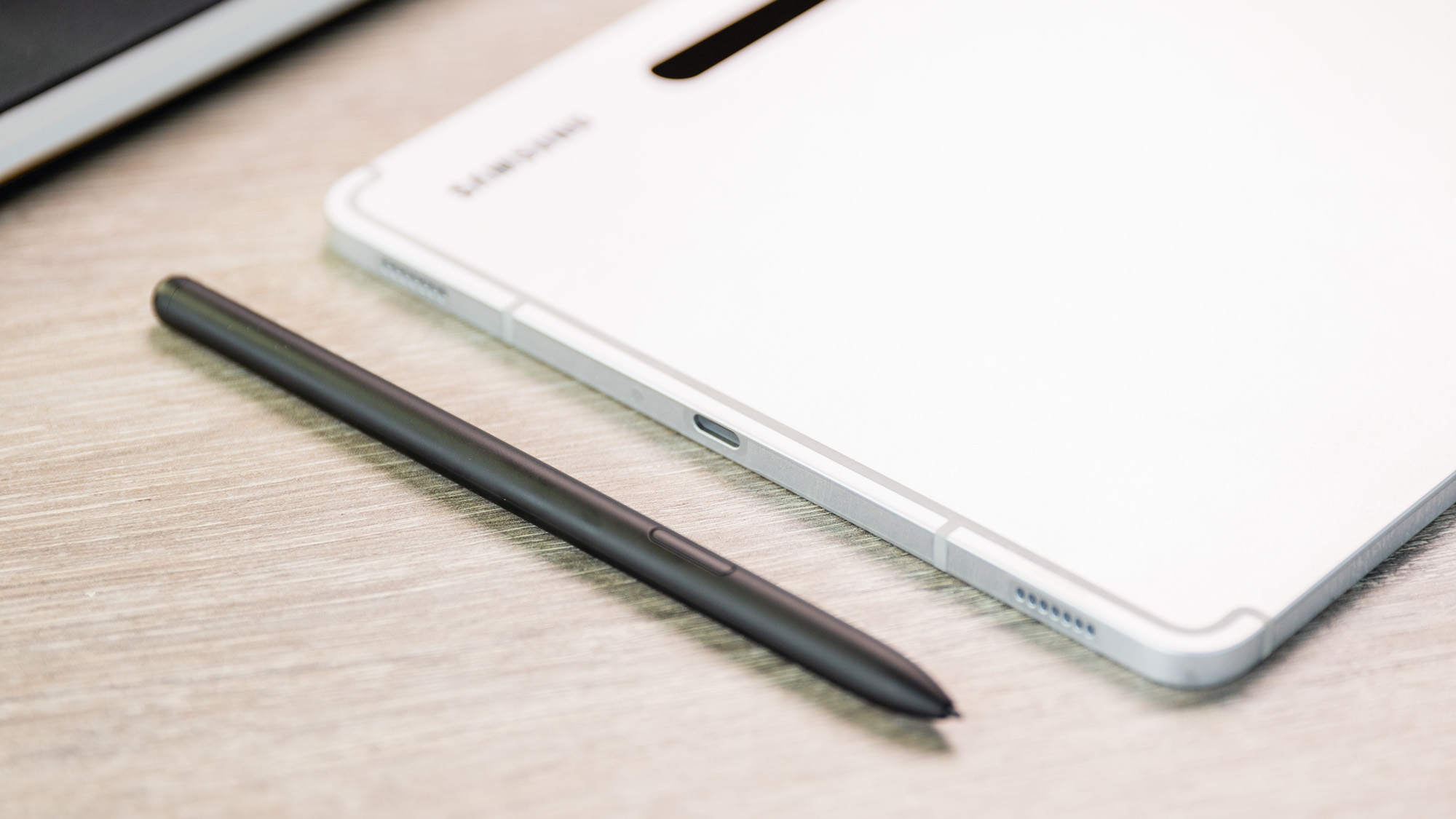
As for charging, the tablet supports up to 45W charging speeds, which is the fastest speed Samsung offers on any of its Android devices.
The big caveat to that is that much like the company’s latest phones, it doesn’t include a charger in the box. That means you’ll either have to buy your own USB-C charger or simply re-purpose one that you already own.
Camera and video
- Basic pair of rear cameras
- 12Mp selfie shooter
- 4K video on front and rear
I’m still not entirely sure how often the rear cameras on tablets are used for stills photography, outside of the occasional confusing tourist, but still they remain.
Understandably, Samsung hasn’t kitted the Tab S8 with an absolute top spec setup though. Instead, you get a pair of lenses: a 13Mp main camera and a simple 6Mp ultrawide.
(If you’re on desktop you may need to swipe through the gallery below).


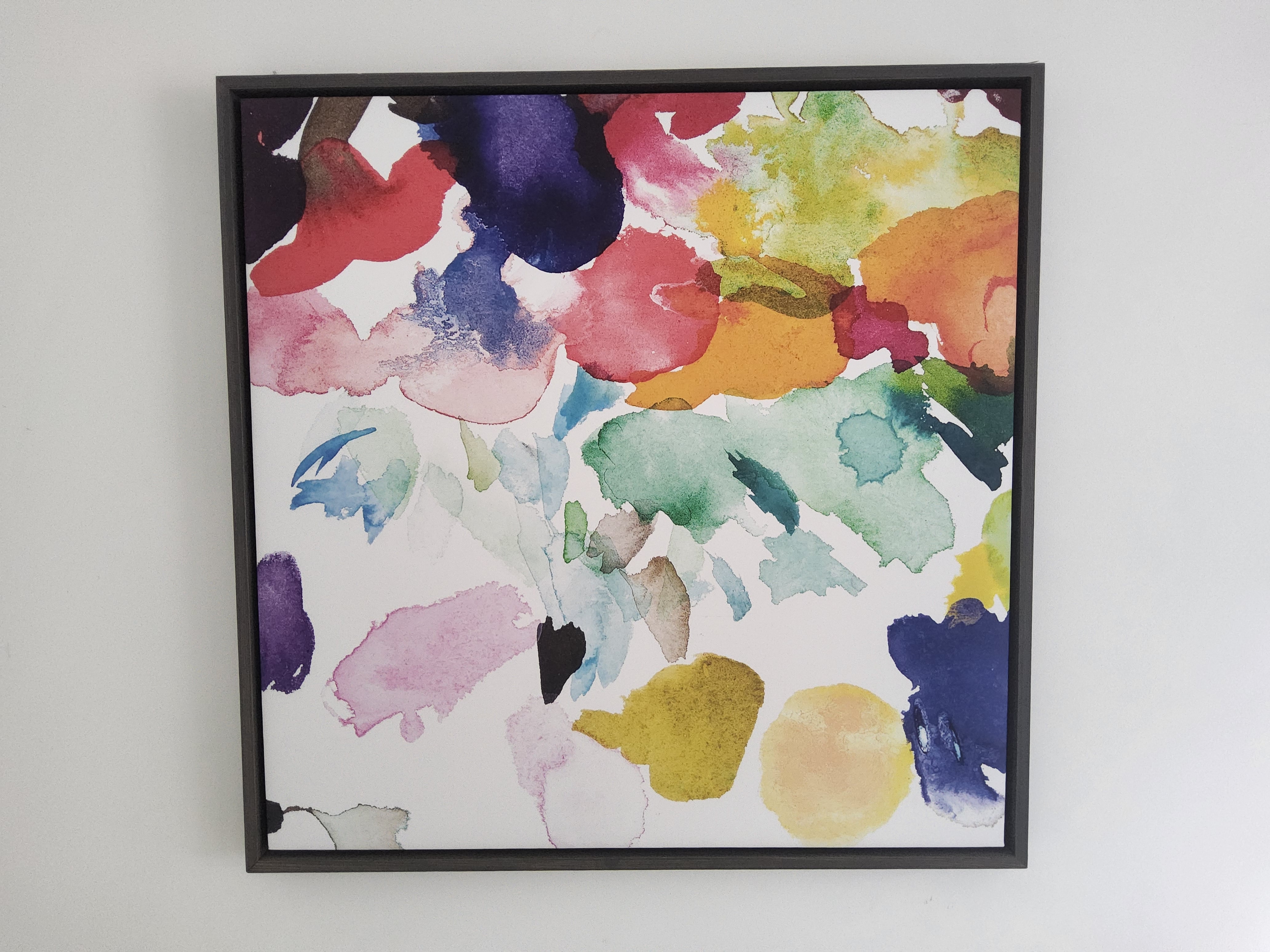
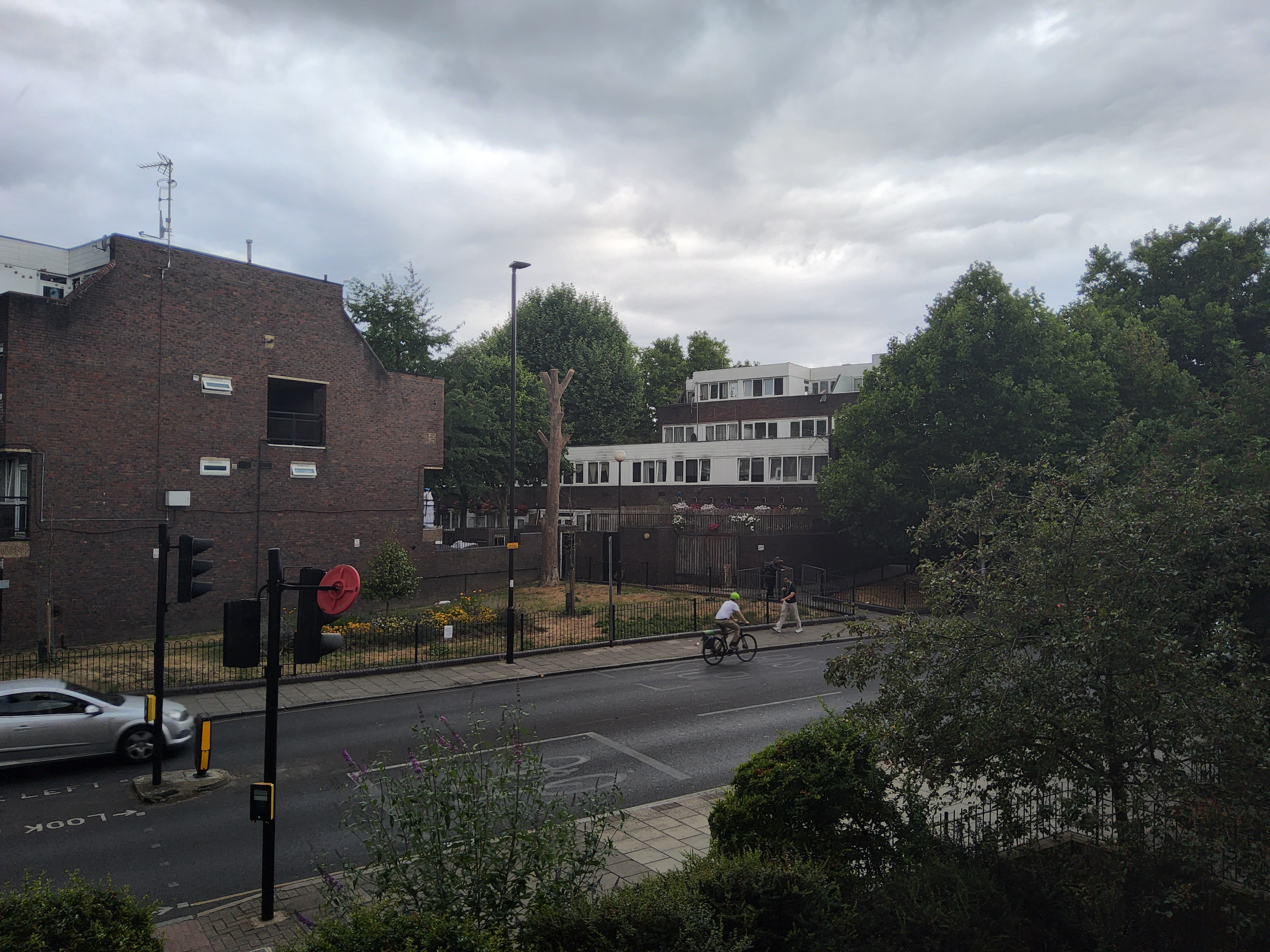


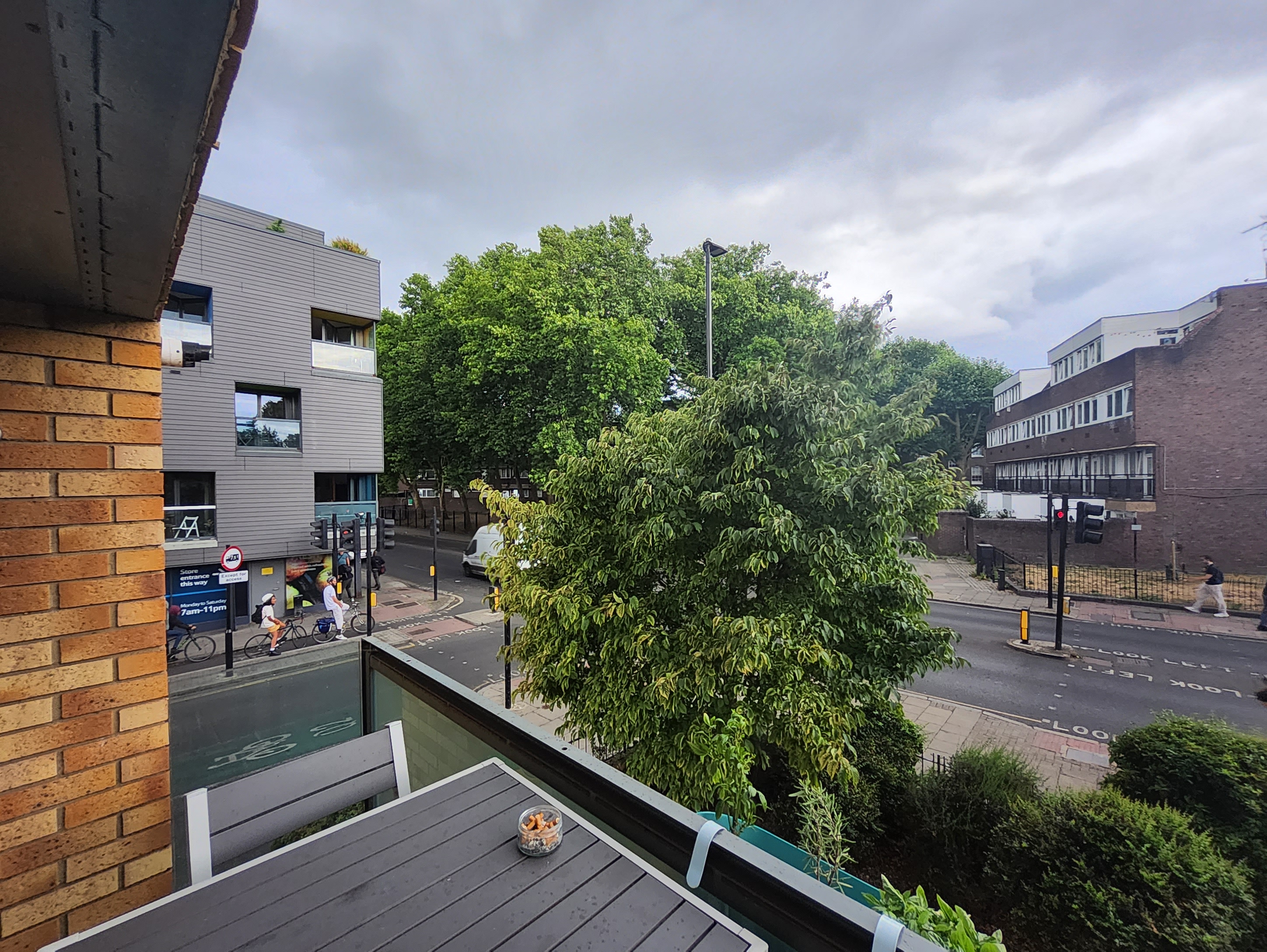
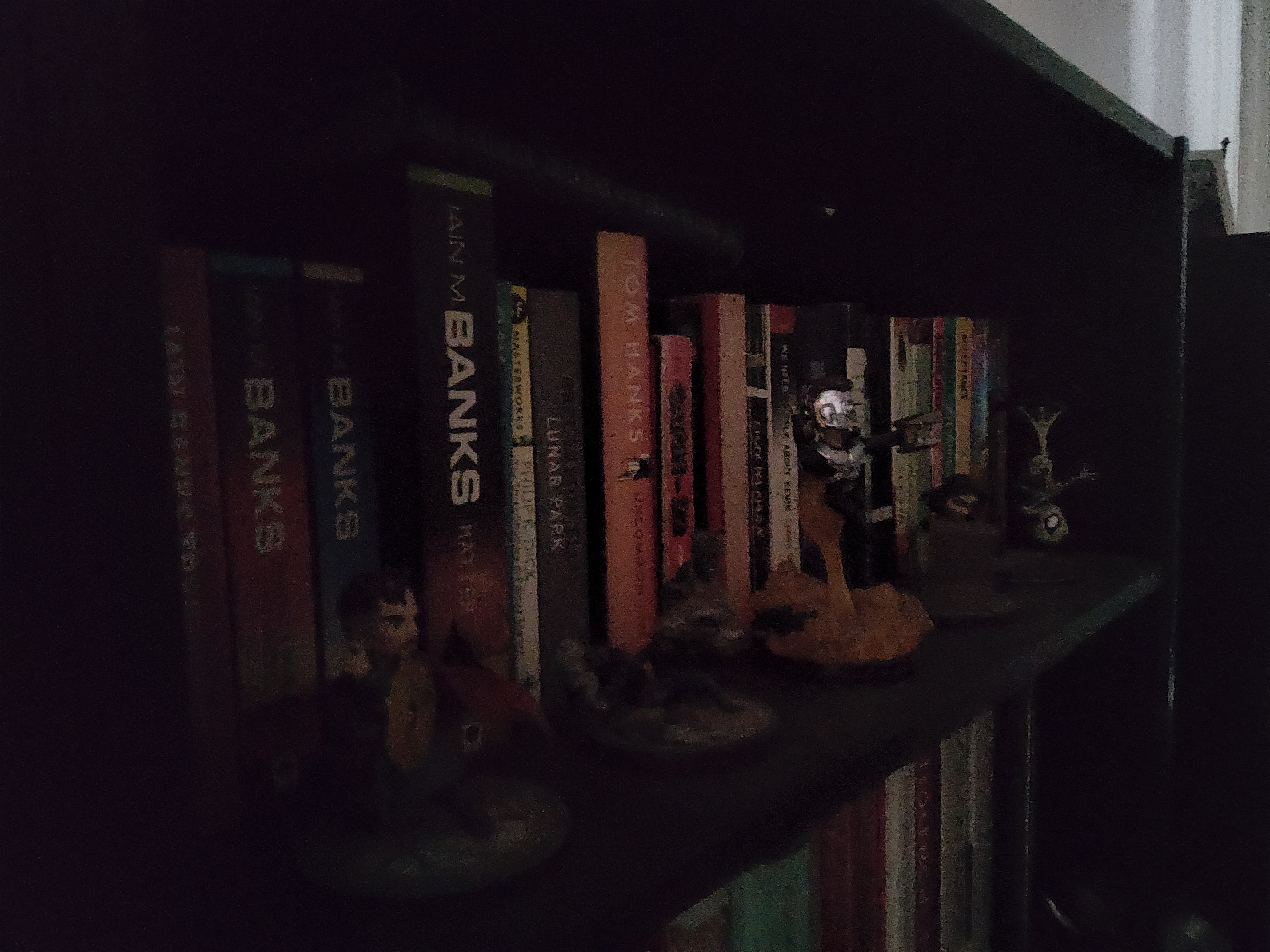
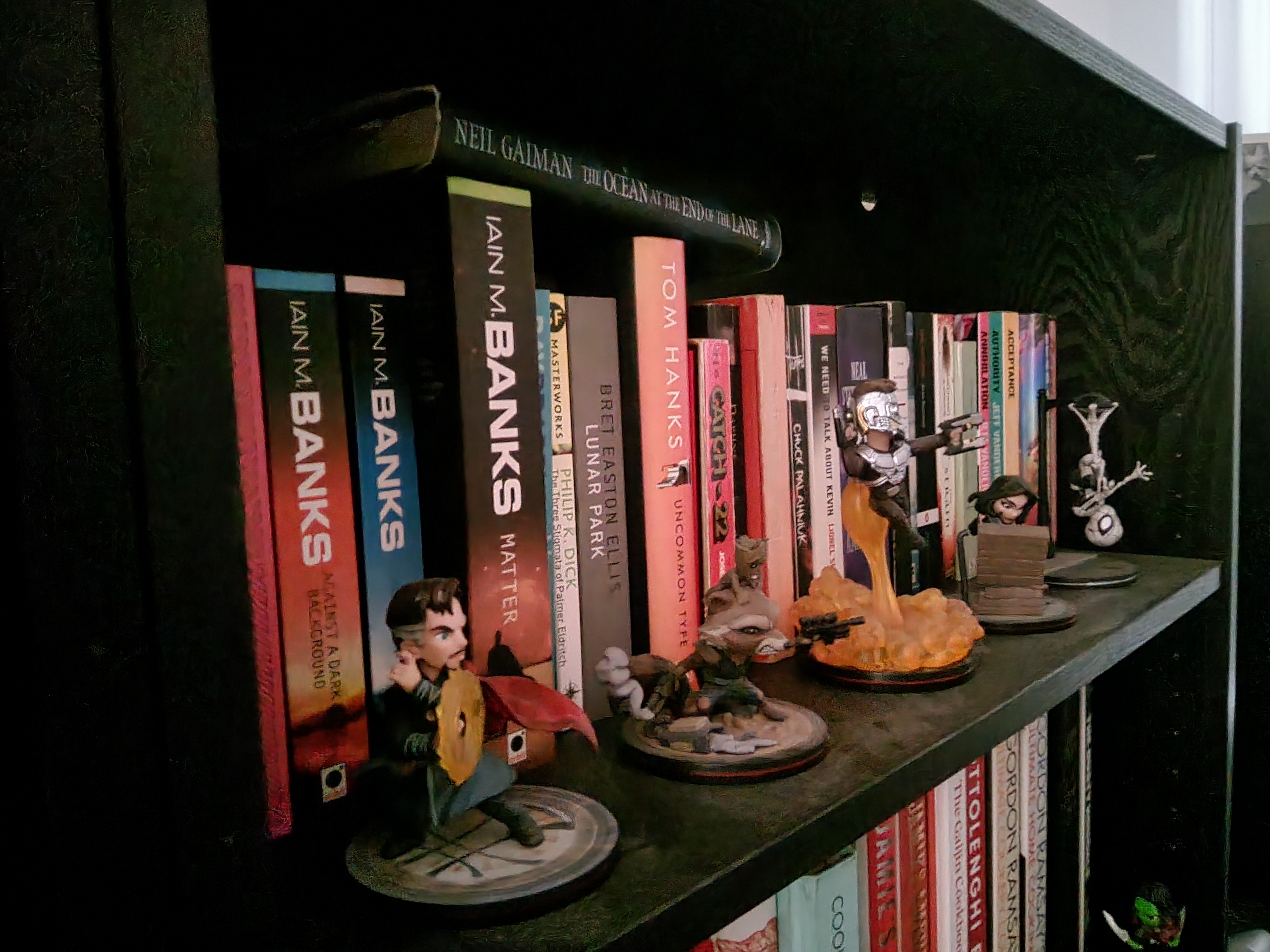
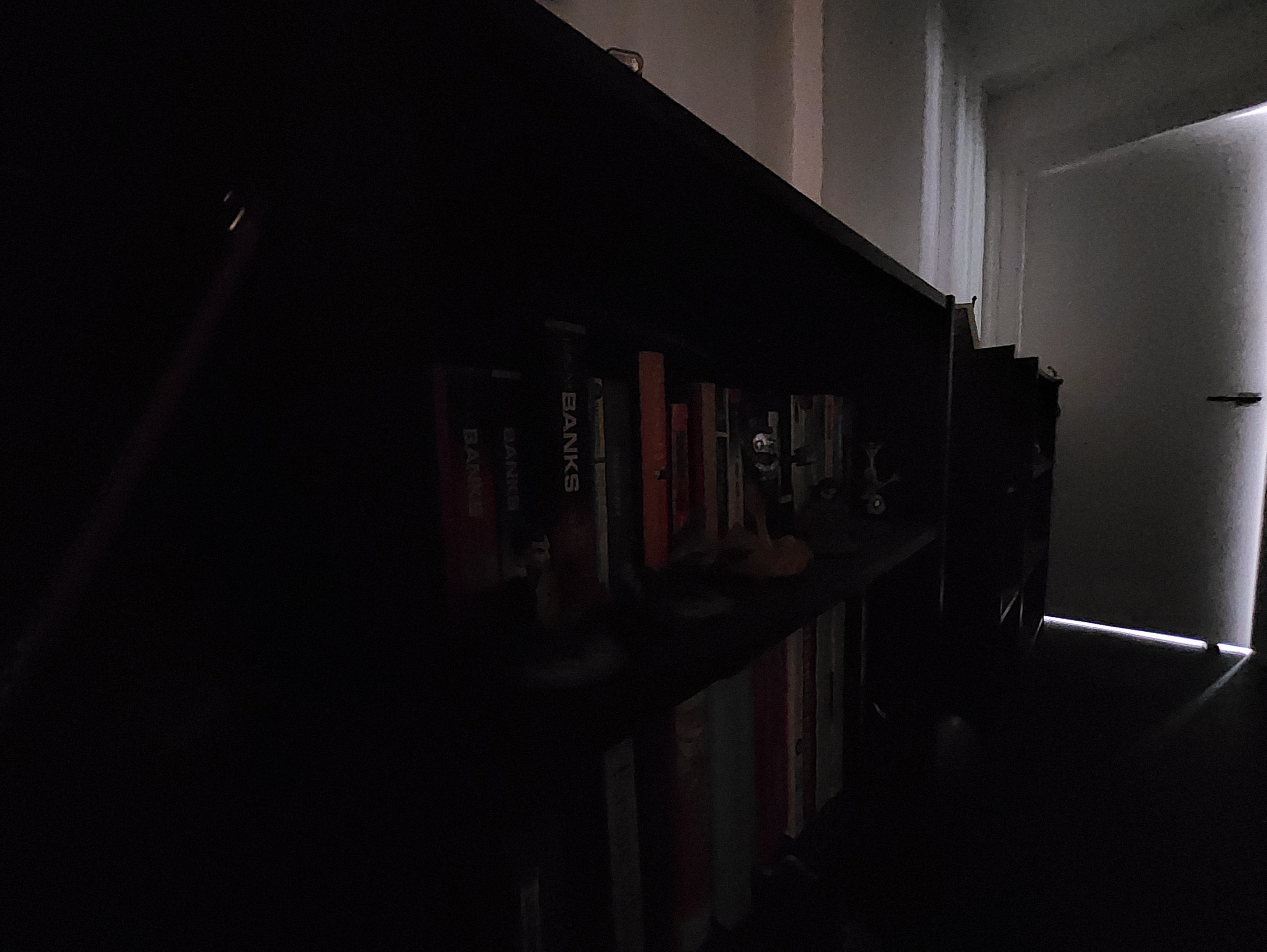






Photos are fine if needed in a pinch, and the option to film 4K video, albeit limited to 30fps, will help when you need to show something off on a video call. The ultrawide is unsurprisingly basic, and that lens in particular could probably have been dropped.
On the front side, a 12Mp selfie camera is nestled in the bezel – thankfully not in a notch, as on the Ultra. This is also capable of 4K@30 video, and of course this is likely to get far more use as a video camera in calls than it ever is for stills. It’s acceptable at both, but not exceptional – an obvious area for improvement.
Software and updates
- Android 12
- Optimisations for multi-tasking and productivity
- Four years of Android updates promised
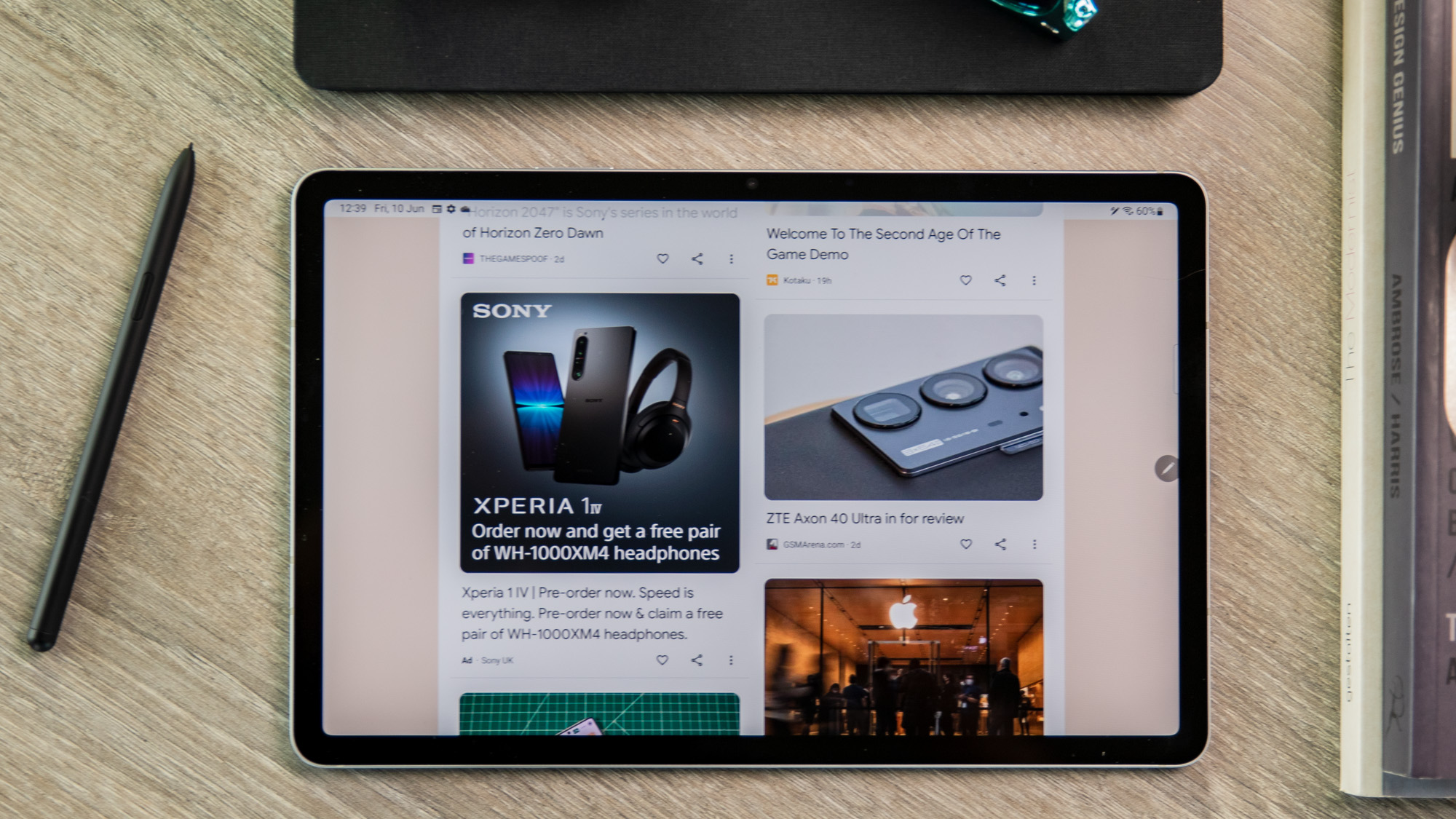
The Tab S8 ships with Android 12, running Samsung’s OneUI Android skin on top.
Dominik Tomaszewski / Foundry
If you’ve not used it before, OneUI is now one of the better Android versions around. You’ll have to put up with quite a few dedicated Samsung versions of standard apps, rather than the Google equivalents, and there are a few third-party apps pre-installed too.
The benefit is a clean and fairly fluid operating system, one that benefits from most of the best perks of the core Android OS, plus Samsung’s own perks. The company is particularly good at tablet optimisations, with an array of split-screen and multi-tasking options that make the most of the screen space, along with a desktop-esque DeX interface option.
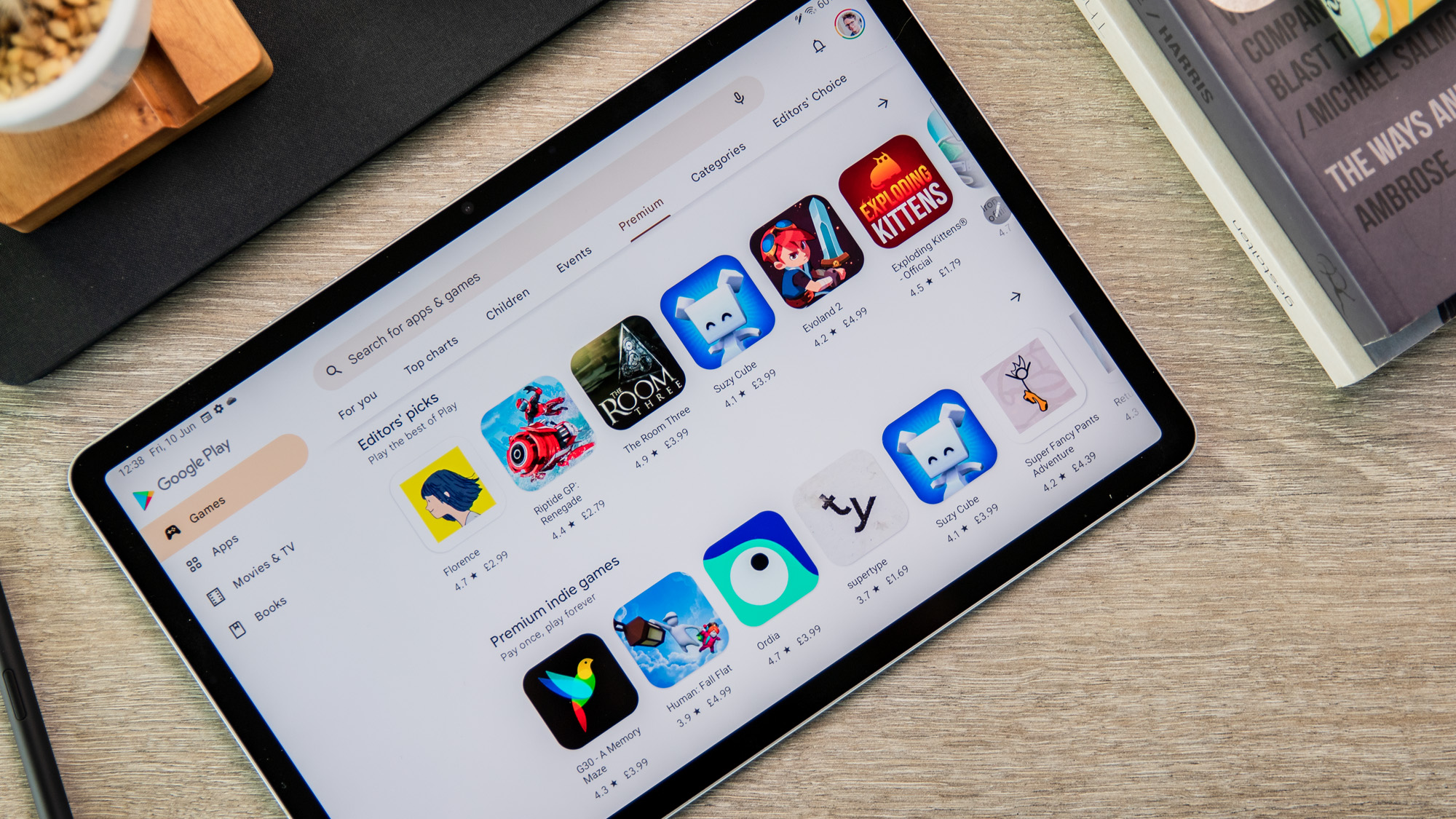
The downside is that Android is still Android, and it ultimately isn’t built well for tablets. This is less true for the OS itself than it is for apps, which are rarely well-optimised for larger displays. For those hoping to work off the Tab S8, there are also fewer pro-level tablet apps available for Android than for iPadOS, and the integration with Windows, while improving, is no match for Apple’s efforts to link its iPads and Macs together.
Dominik Tomaszewski / Foundry
Samsung has at least promised to eventually upgrade the Tab S8 to Android 12L, the tablet-optimised version of the OS recently unveiled by Google, though it’s not clear how much this will change the experience.
In general, updates are a strong point though: as with its latest phones, Samsung is promising four years of Android version updates (taking you well past this year’s Android 13), along with a fifth year of security support. That’s by far the best update promise in any Android tablet, and close to the longevity of iPads too.
Price and availability
The Galaxy Tab S8 is available now worldwide. In the majority of markets it only comes with 8GB of RAM, but is available in two storage options:
- 128GB: $699/£649/€769
- 256GB: $779/£699/€819
If you’re outside of the US, you’ll probably also have the option of paying more to add 5G:
- 128GB: £799/€819
- 256GB: £849/€929
For what it offers this is a little pricey, but the cost is inflated by the included stylus. And the Android tablet market is small enough that there’s little real competition – at least in the West.
If you’re tempted, you can pick one up direct from Samsung, or from Amazon or almost any other major electronics store.
Dominik Tomaszewski / Foundry
Serious creators may need to upgrade to the larger Tab S8+, which also packs a better AMOLED screen, and the even bigger Tab S8 Ultra is also available. Remember that the keyboard case also costs extra.
You should also remember that you’re paying for the included S Pen – if you’re not likely to use it that much, then look around for cheaper stylus-free options elsewhere. If it’s on sale where you are then we recommend the excellent Xiaomi Pad 5, which offers similar specs for far better value, but Samsung’s own Galaxy Tab A8 is another good option.
The closest Apple rival is the $599/£569 iPad Air, though remember that this supports, but does not include, the Apple Pencil stylus.
Check out our rankings of the best tablets and best Android tablets for more options.
Verdict
The Galaxy Tab S8 is an impressive premium Android tablet option, though you should be careful to check that you don’t need a little more – or a little less.
With a Snapdragon 8 Gen 1, plenty of RAM and storage, and S Pen stylus support this is a powerful productivity option, and there are really no tablets available now that pack more power – at least not ones that run Android.
It’s a shame that the display is only LCD, rather than AMOLED, but this will only really matter to creative power users or serious cinephiles – this is a perfectly good LCD panel otherwise.
US customers may gripe that there’s no 5G option, while UK ones will likely bemoan the fact that the 5G upgrade costs so much, but if you’re happy to stick to Wi-Fi then the Tab S8 has few faults.
Specs
- Qualcomm Snapdragon 8 Gen 1
- 8/12/GB RAM
- 128/256GB storage (expandable up to 1TB)
- 11.0in 120Hz LCD display (2560×1600)
- Dual rear cameras: wide (13Mp, f/2.0) and ultrawide (6Mp, f/2.2)
- Front-facing camera: wide (12Mp, f/2.4)
- Quad stereo speakers
- Wi-Fi 6E
- Bluetooth 5.2
- 5G (optional)
- S Pen stylus (included)
- 8000mAh battery
- 45W wired charging
- 165.3 x 253.8 x 6.3mm
- 503g (Wi-Fi) or 507g (5G)


